CONTACT
Map
Show an interactive map with office locations, branch addresses, and business landmarks to help customers easily find and visit your organization. Include location details, contact information, business hours, and navigation support for a better user experience.
▶
Skeleton vs finished
SKELETON — ADD YOUR BUSINESS LOCATIONS
FINISHED — LOCATIONS READY TO EXPLORE
How it works in the builder
STEP 1
Drag it in
Pull the block from the palette onto your page. A skeleton placeholder snaps into position instantly.
STEP 2
Drop in content
Click any element to replace it — text, images, prices, links. The skeleton fills in as you go
STEP 3
Publish
The block is responsive and on-brand automatically. Reorder it any time with the drag handle
More in this category
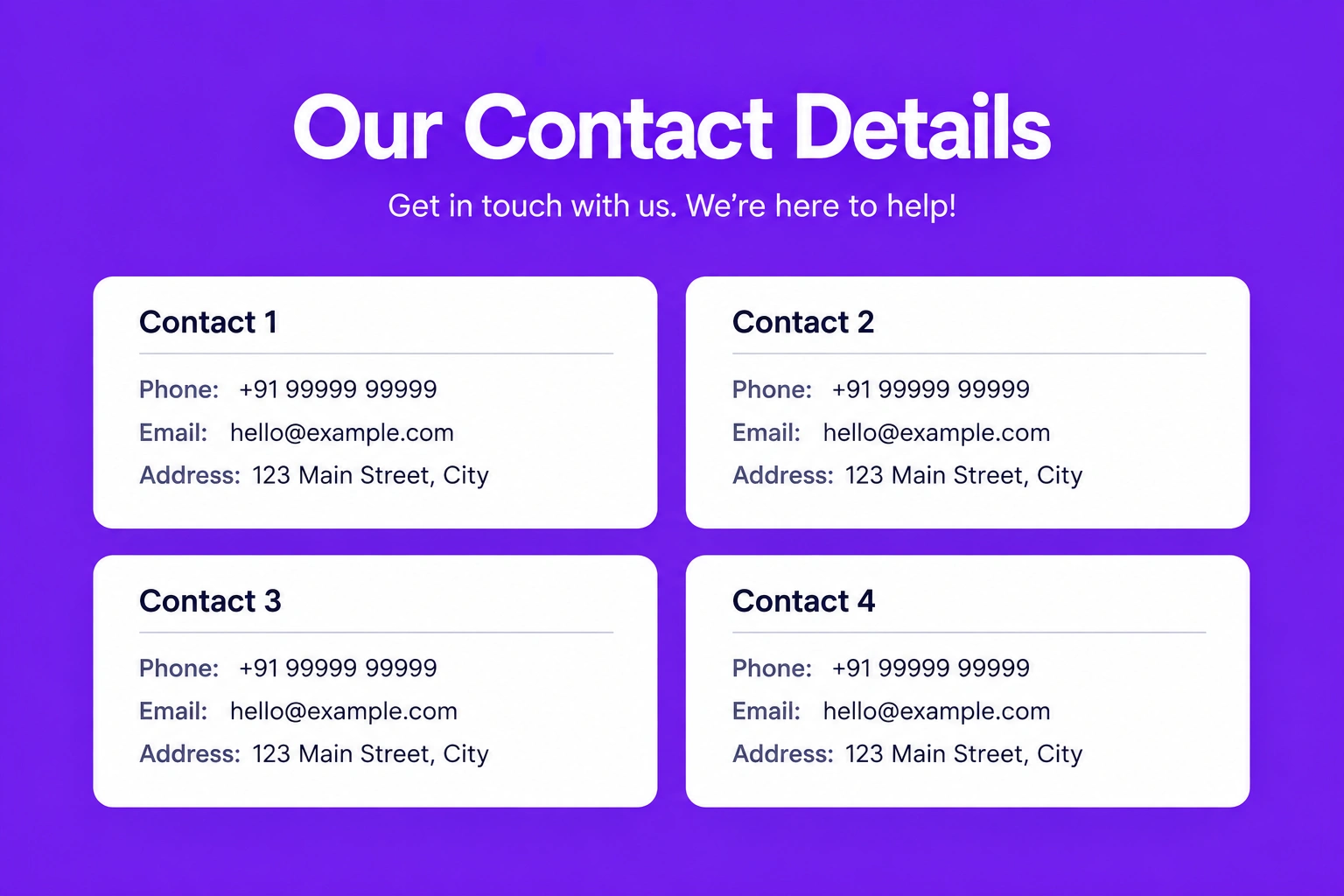
Contact Grid
Display multiple contact cards with essential business information, making it easy for visitors to connect with different departments, branches, or team members. Each card should include a name, designation or department, phone number, email address, office location, and quick contact actions for seamless communication.
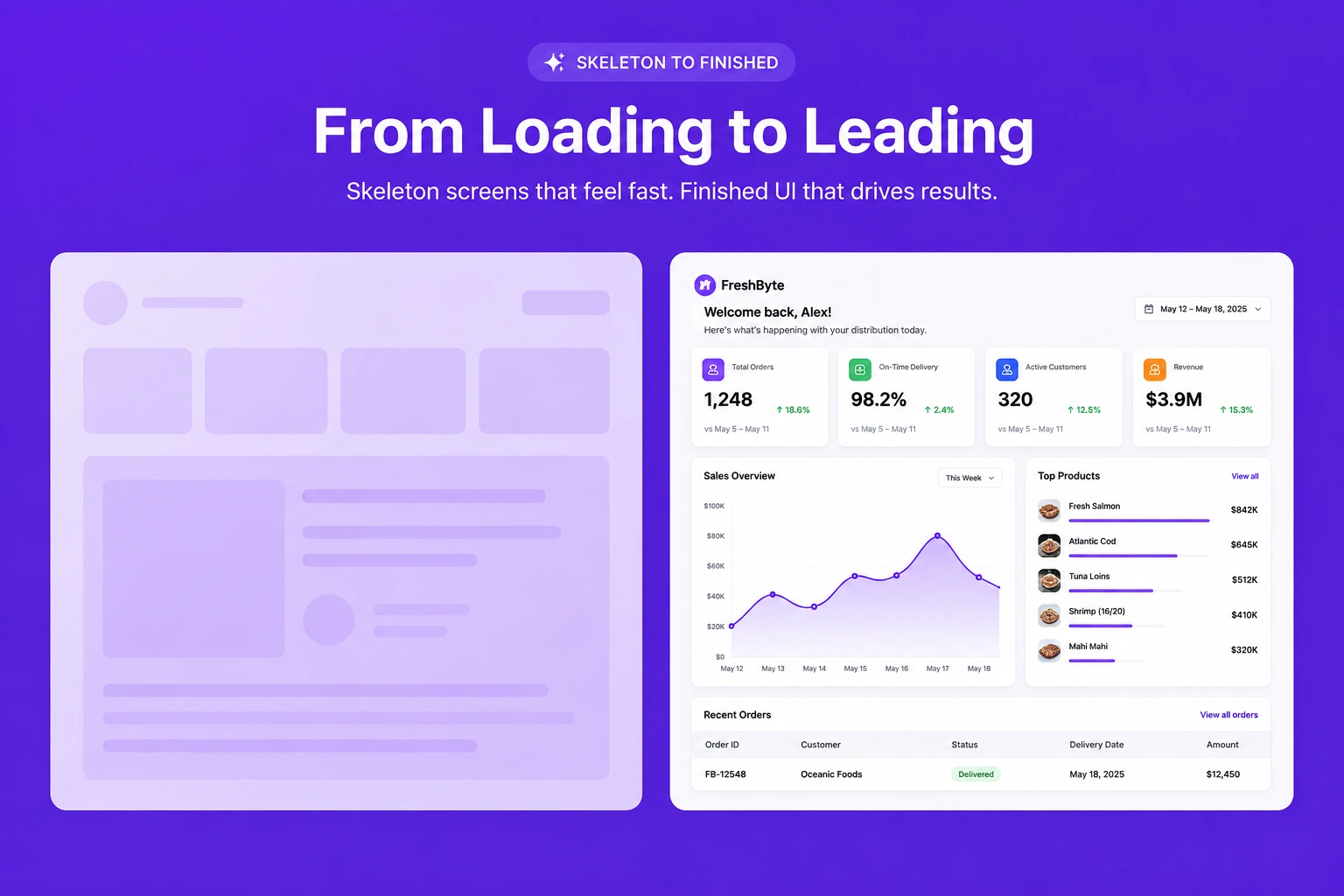
Galleries & media · Before / after
Compare before-and-after images side by side to effectively demonstrate transformations, improvements, or completed project results in a visually impactful way.
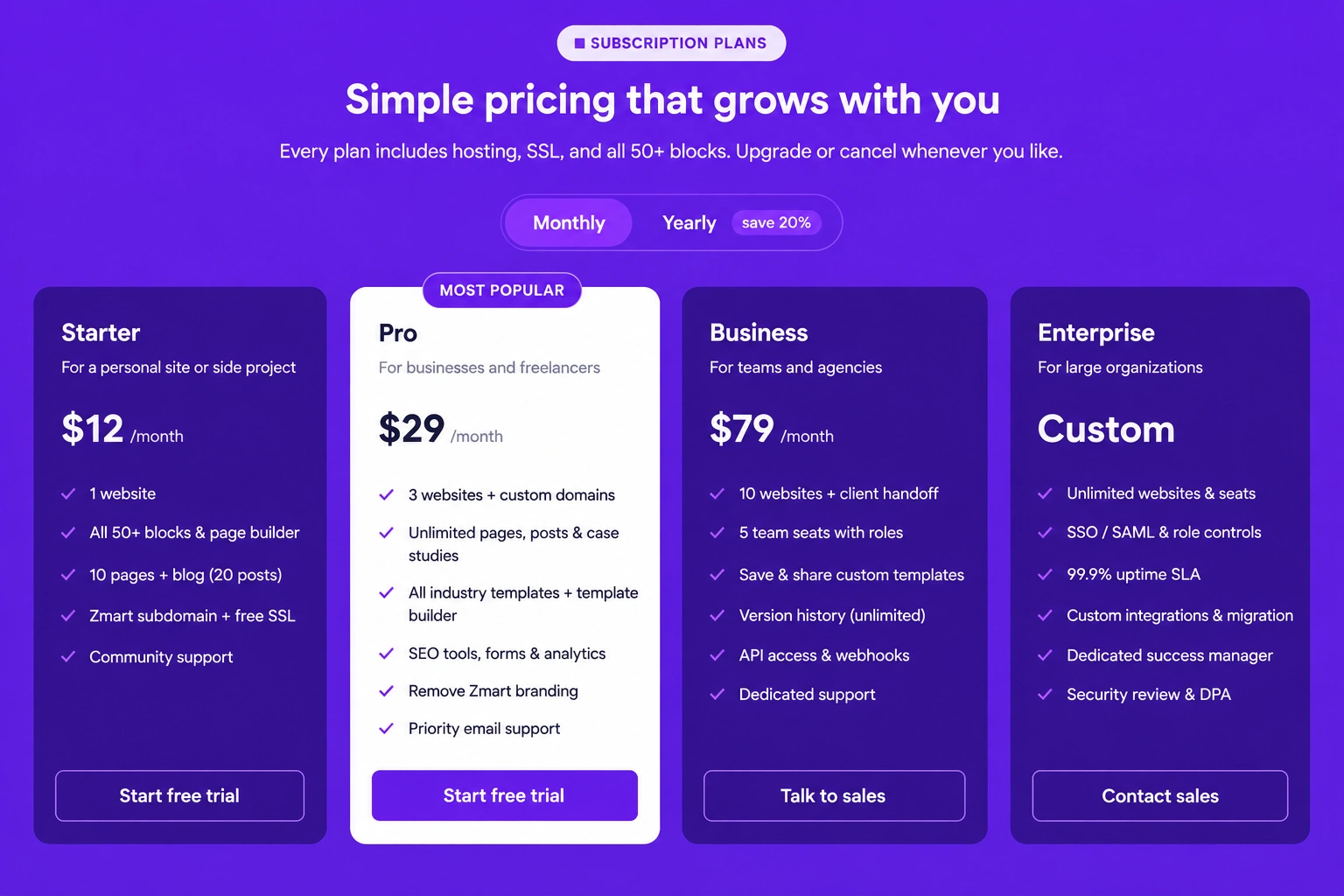
Pricing & CTAs · Pricing cards with tab
Display multiple pricing plans inside interactive tabs, allowing users to easily switch between categories while comparing available options.