MARKETING BLOCKS
Features & grids · Mega Faq
Display a comprehensive FAQ section with categorized questions and detailed answers, making it easier for visitors to find the information they need.
▶
Skeleton vs finished
SKELETON — ORGANIZE YOUR FAQ CONTENT
FINISHED — MEGA FAQ READY
How it works in the builder
STEP 1
Drag it in
Pull the block from the palette onto your page. A skeleton placeholder snaps into position instantly.
STEP 2
Drop in content
Click any element to replace it — text, images, prices, links. The skeleton fills in as you go.
STEP 3
Publish
The block is responsive and on-brand automatically. Reorder it any time with the drag handle
More in this category
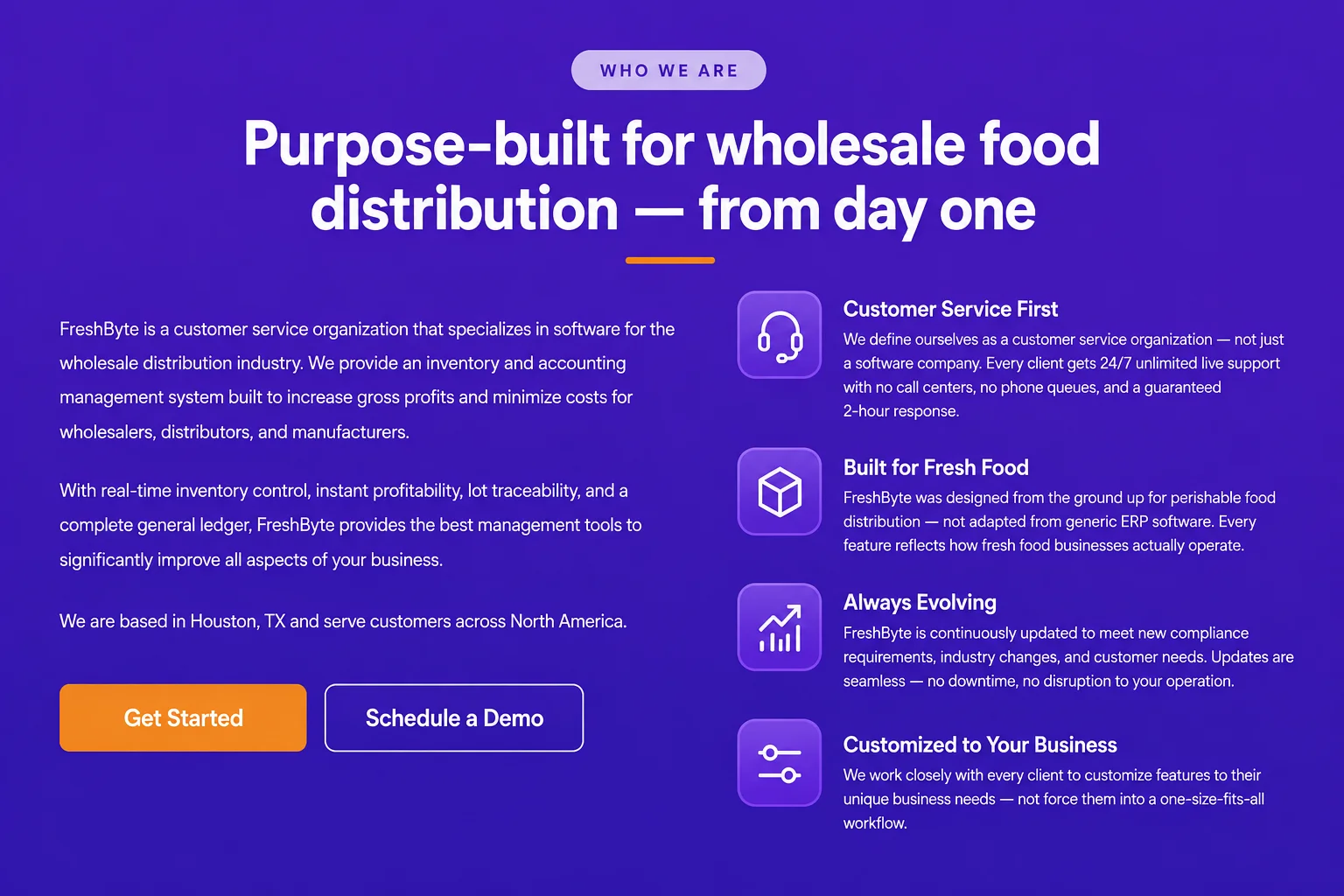
Features & grids · Feature Introduction Flex with Icon
Introduce your products or services using flexible content blocks paired with meaningful icons that improve visual appeal and communicate value effectively.
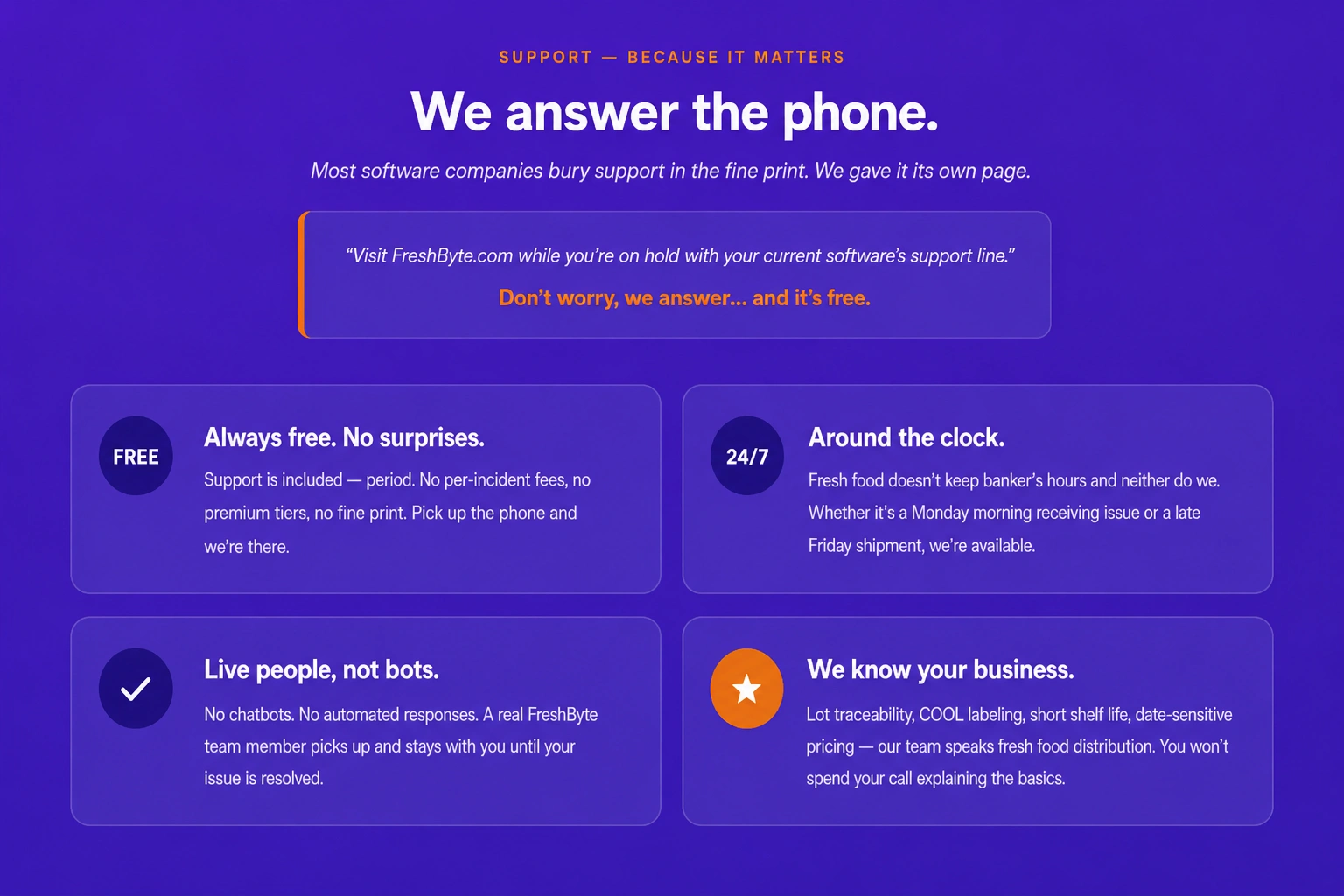
Features & grids · Feature Text and Icon
Present important features using descriptive text and meaningful icons that enhance readability while highlighting the benefits of your products or services.
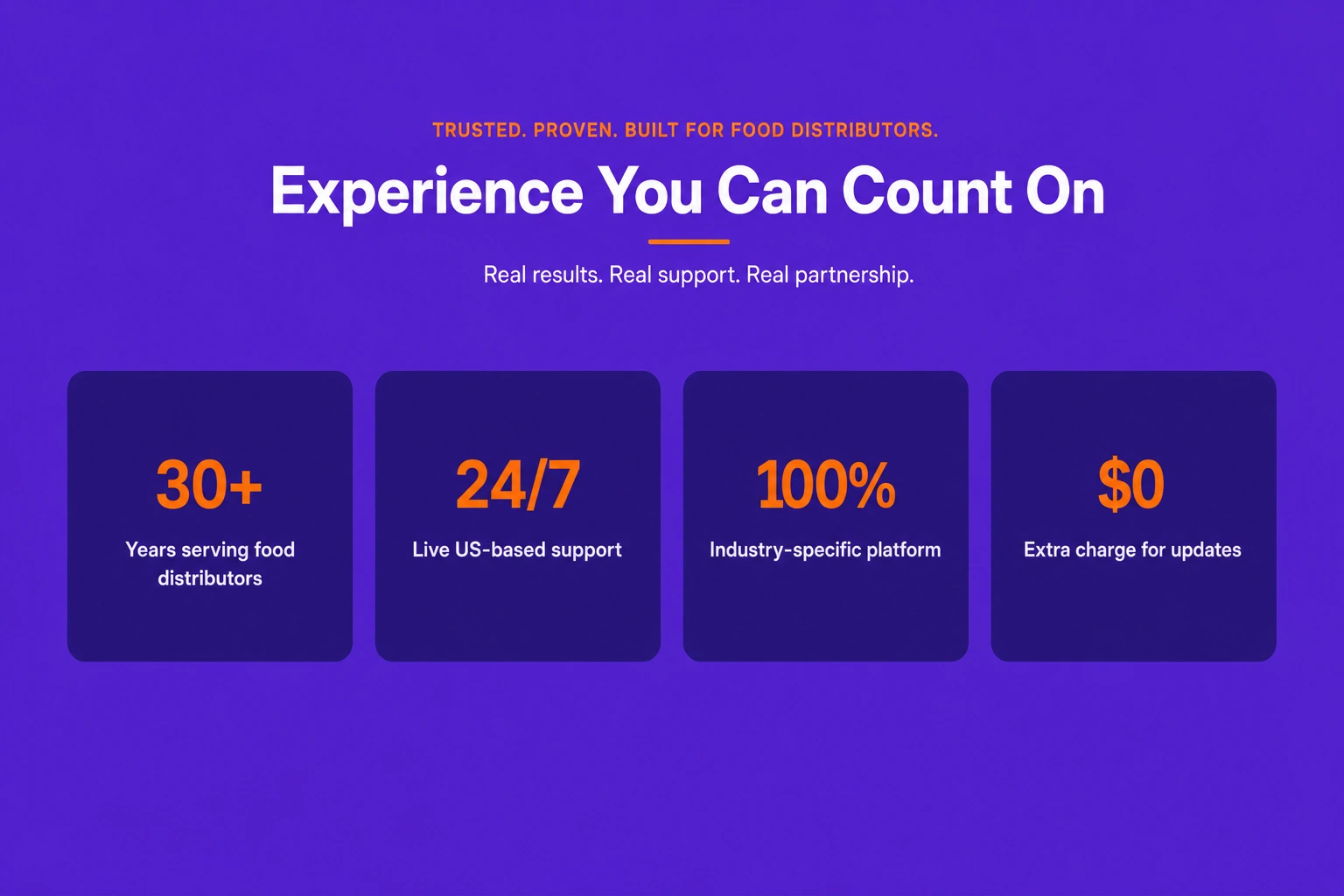
Features & grids · Feature counter Grid
Showcase key business statistics, milestones, or achievements using animated counter cards arranged in a clean and responsive grid layout.