MARKETING BLOCKS
Features & grids · Numbered steps
Guide visitors through a process using clearly numbered steps that simplify workflows, onboarding experiences, or service explanations.
▶
Skeleton vs finished
SKELETON — ADD STEP NUMBERS & CONTENT
FINISHED — NUMBERED STEPS READY
How it works in the builder
STEP 1
Drag it in
Pull the block from the palette onto your page. A skeleton placeholder snaps into position instantly.
STEP 2
Drop in content
Click any element to replace it — text, images, prices, links. The skeleton fills in as you go.
STEP 3
Publish
The block is responsive and on-brand automatically. Reorder it any time with the drag handle.
More in this category
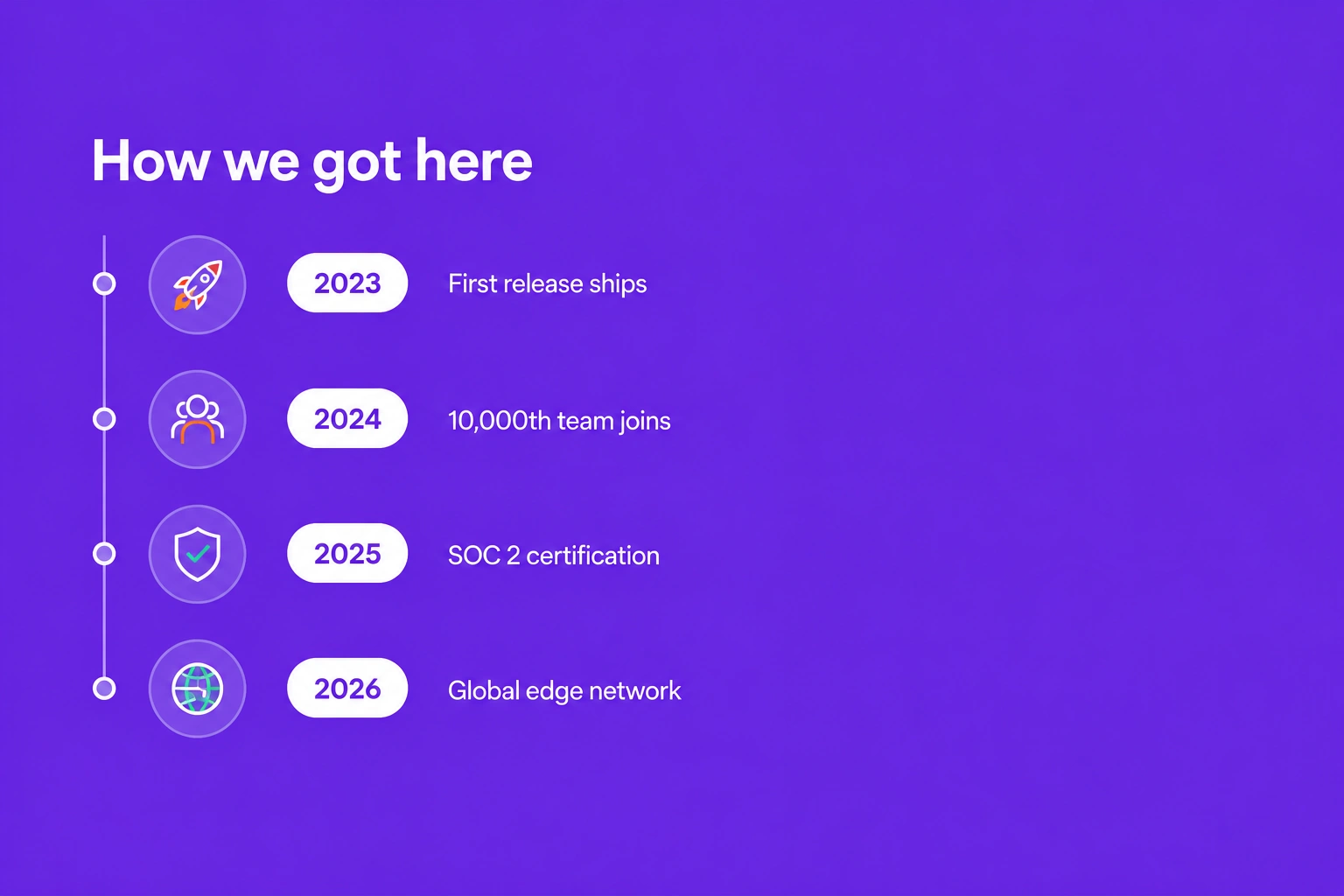
Features & grids · Vertical timeline
Display project milestones, company history, or step-by-step processes using a vertical timeline that presents information in a logical and engaging format.
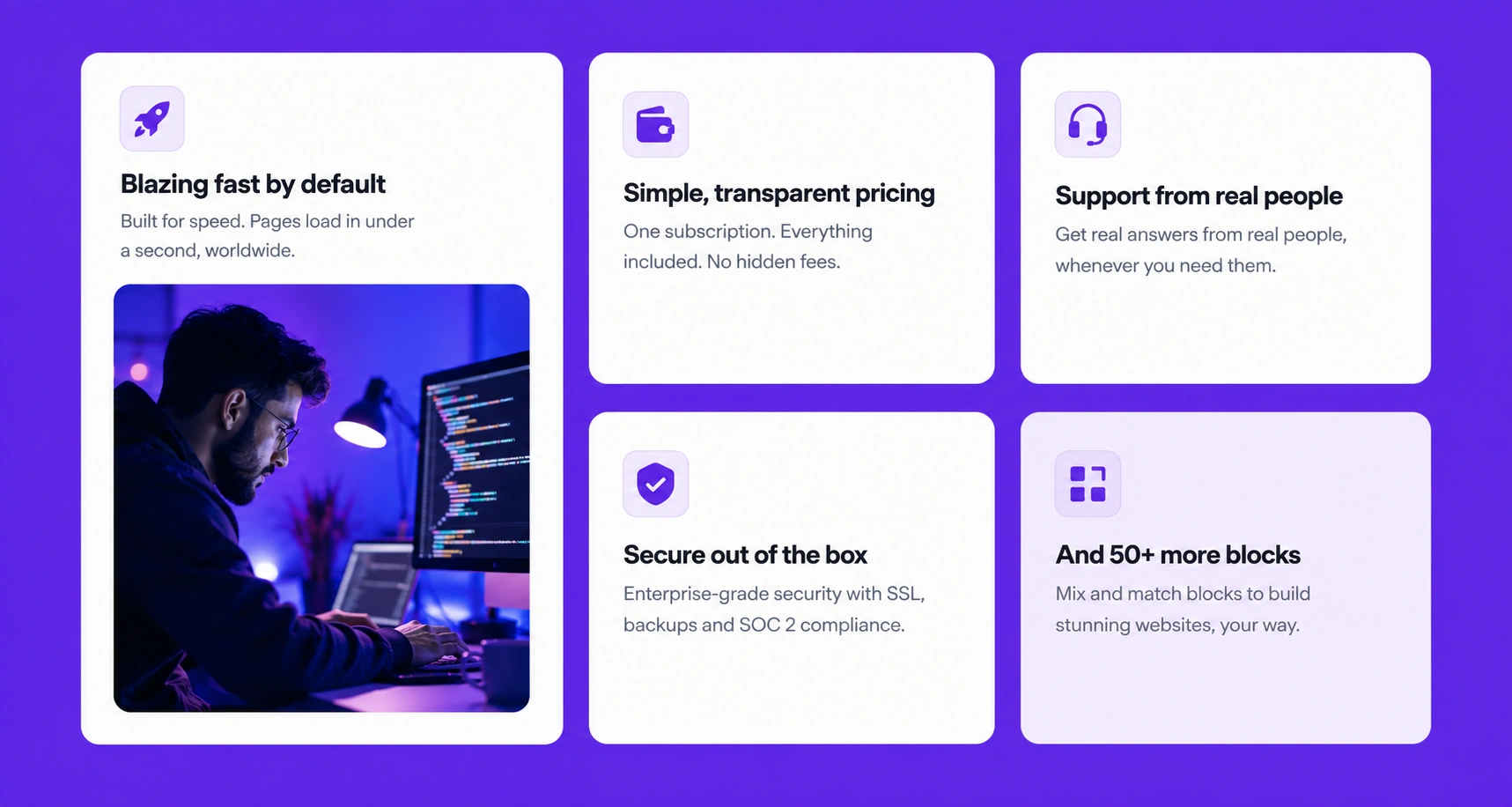
Features & grids · Bento grid
Organize multiple features, services, or products within a modern bento-style grid that improves visual hierarchy and enhances user engagement.
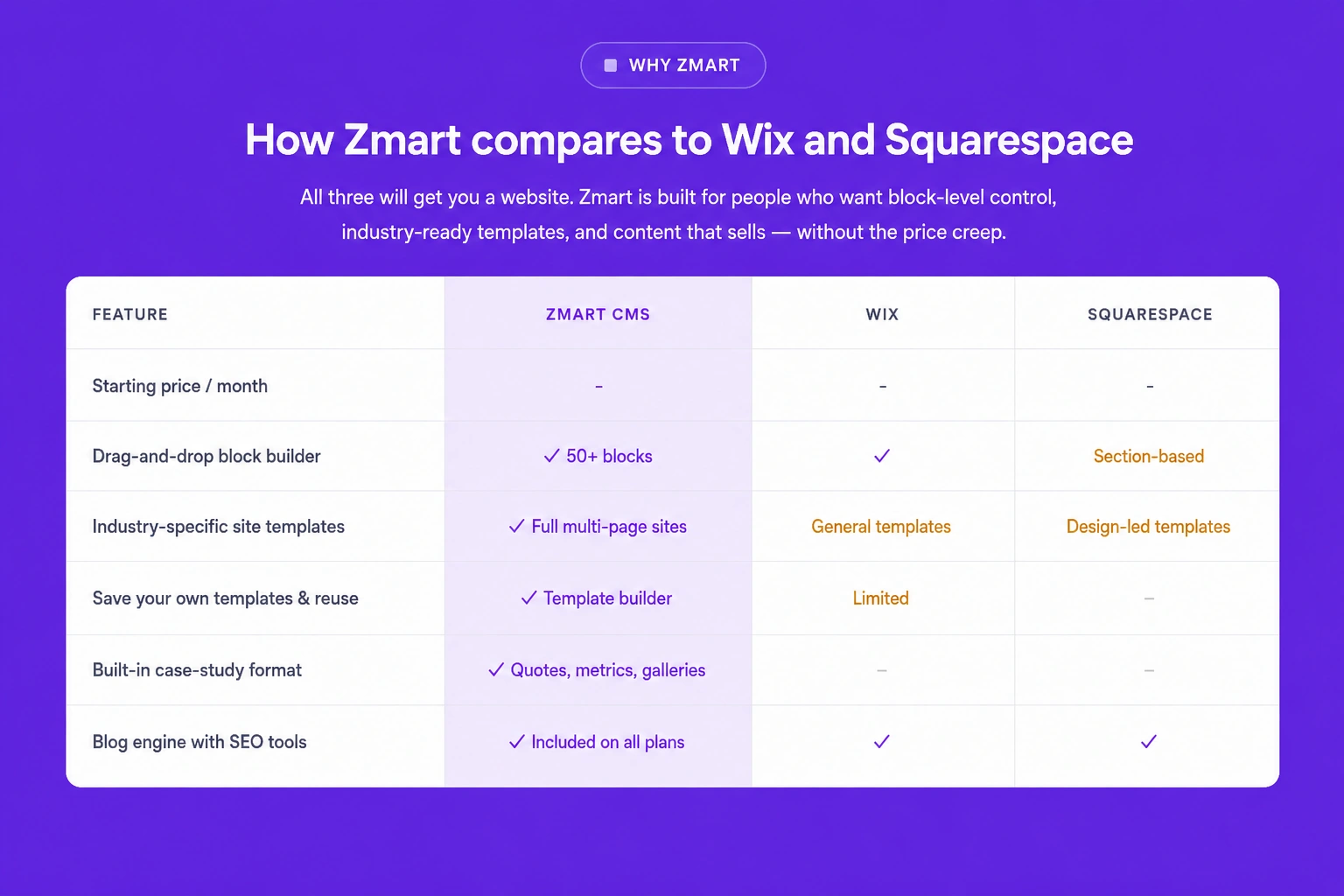
Features & grids · Comparison table
Compare products, pricing plans, or service options side by side using a structured comparison table that helps customers make informed decisions quickly.