MARKETING BLOCKS
Galleries & media · Carousel
Display multiple images, products, or featured content inside an interactive carousel that encourages visitors to browse smoothly through each item.
▶
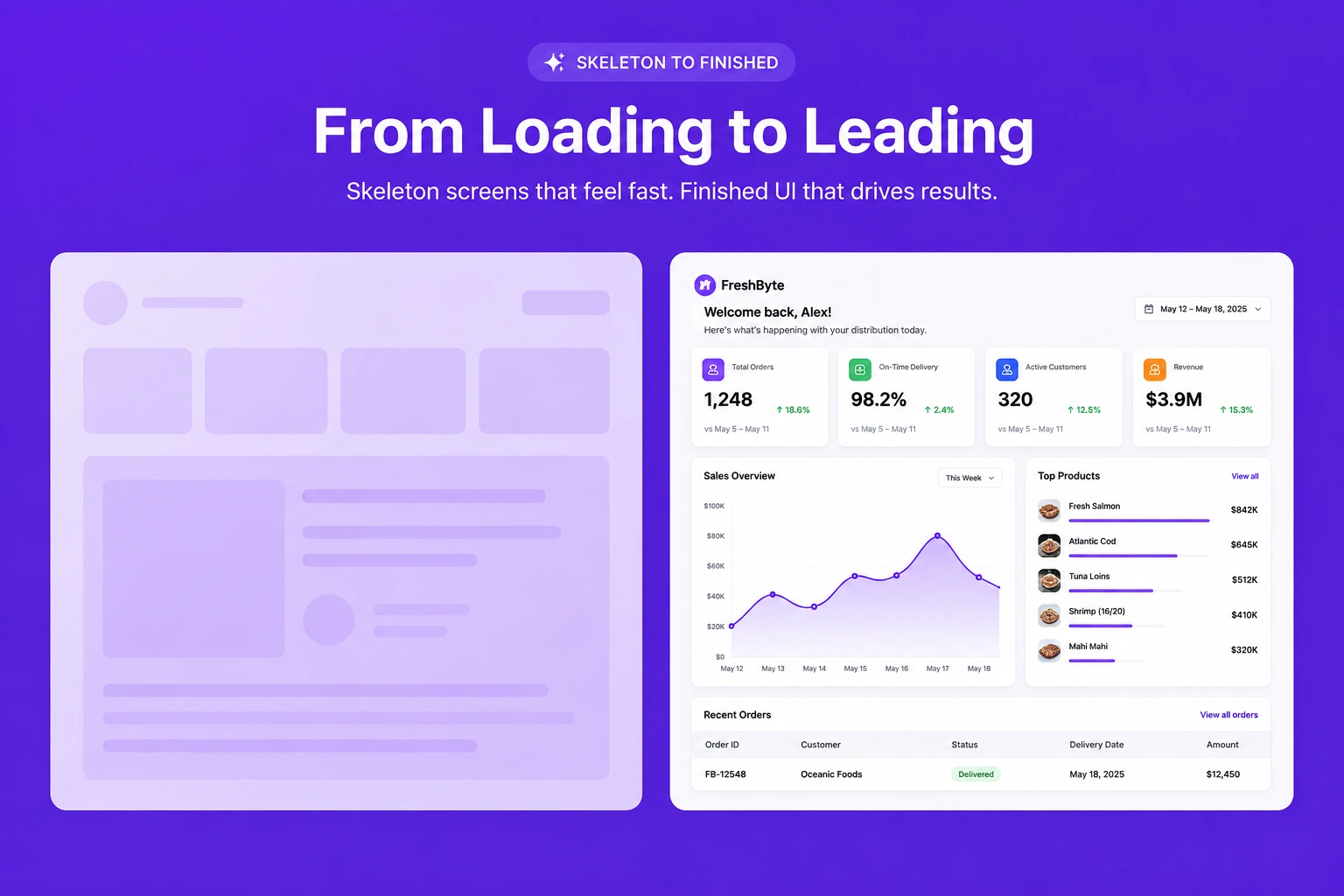
Skeleton vs finished
SKELETON — ADD YOUR FEATURED CONTENT
FINISHED — CAROUSEL READY TO EXPLORE
How it works in the builder
STEP 1
Drag it in
Pull the block from the palette onto your page. A skeleton placeholder snaps into position instantly.
STEP 2
Drop in content
Click any element to replace it — text, images, prices, links. The skeleton fills in as you go.
STEP 3
Publish
The block is responsive and on-brand automatically. Reorder it any time with the drag handle
More in this category
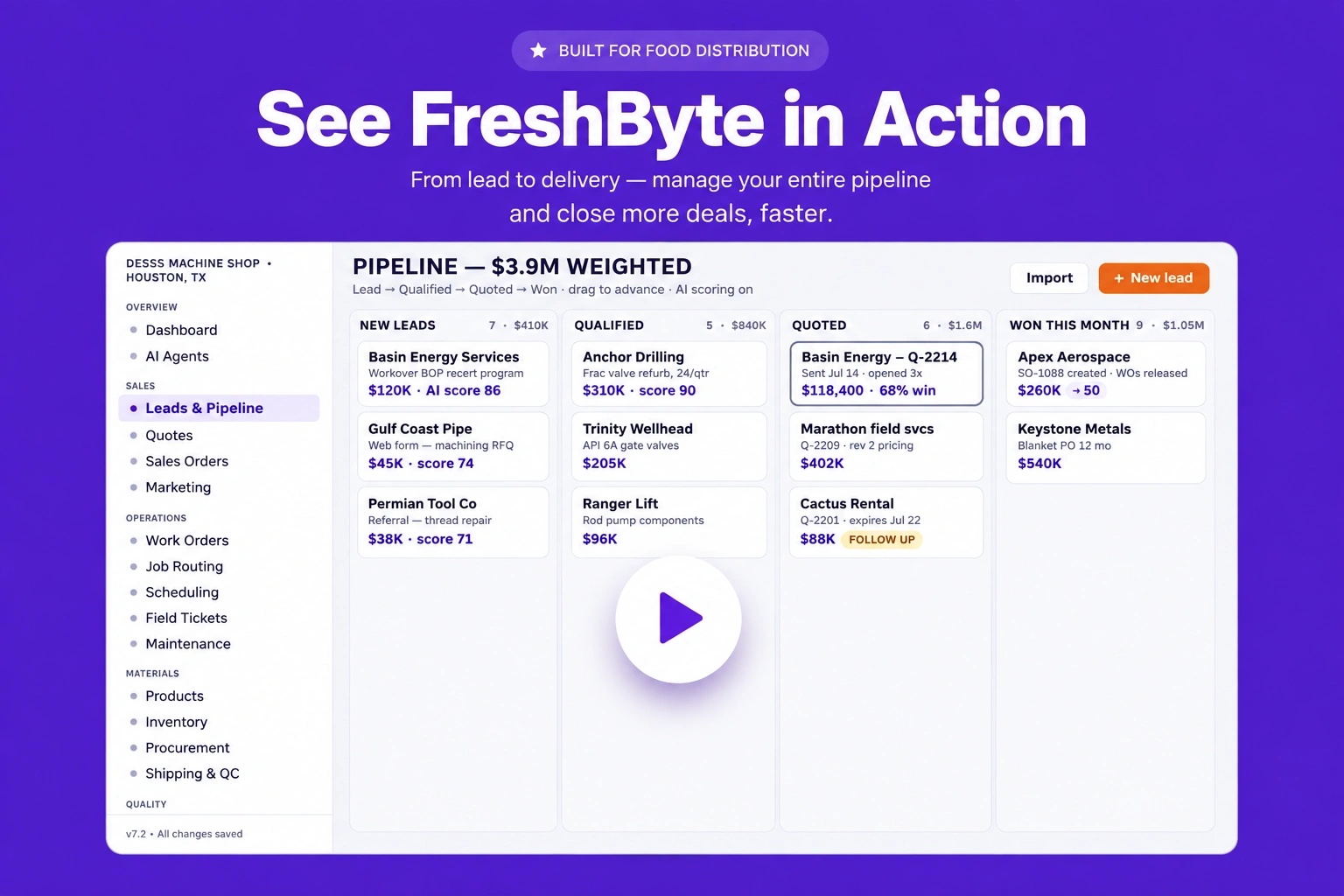
Galleries & media · Video block
Embed promotional videos, tutorials, demonstrations, or customer stories within a dedicated video section that increases engagement and improves storytelling.
Galleries & media · Before / after
Compare before-and-after images side by side to effectively demonstrate transformations, improvements, or completed project results in a visually impactful way.

Galleries & media · Full-width banner
Create a stunning full-width banner that combines impactful visuals with compelling content to promote products, services, announcements, or special campaigns.