MARKETING BLOCKS
Galleries & media · Text and Video
Combine informative text with engaging video content to explain services, demonstrate products, or share valuable insights in a visually appealing format.
▶
SKELETON — ADD TEXT CONTENT & VIDEO
FINISHED — TEXT & VIDEO READY
How it works in the builder
STEP 1
Drag it in
Pull the block from the palette onto your page. A skeleton placeholder snaps into position instantly.
STEP 2
Drop in content
Click any element to replace it — text, images, prices, links. The skeleton fills in as you go.
STEP 3
Publish
The block is responsive and on-brand automatically. Reorder it any time with the drag handle.
More in this category
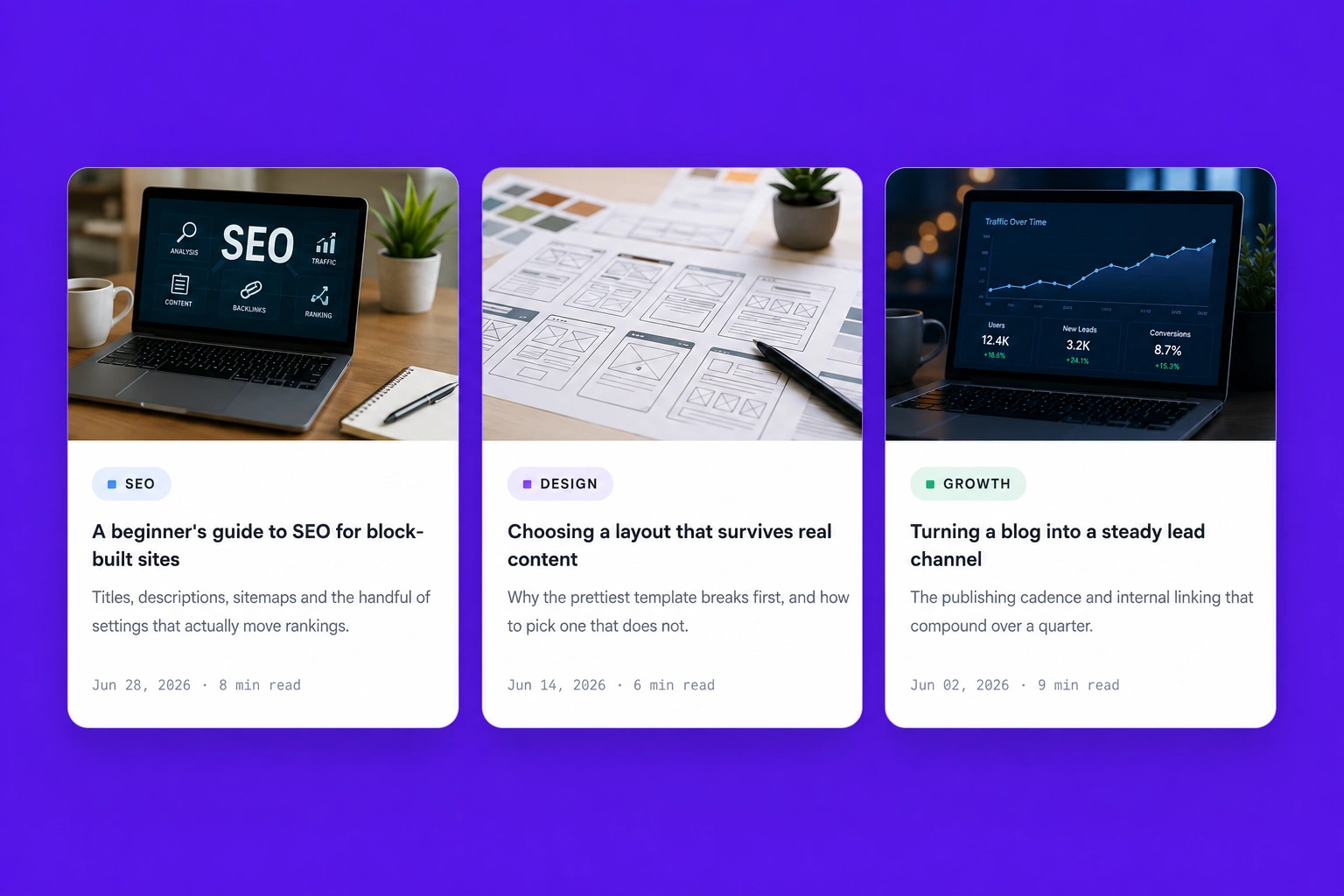
Galleries & media · Feature Vertical Blog
Display blog posts or news updates in a clean vertical layout that improves readability while making featured content easy to discover.
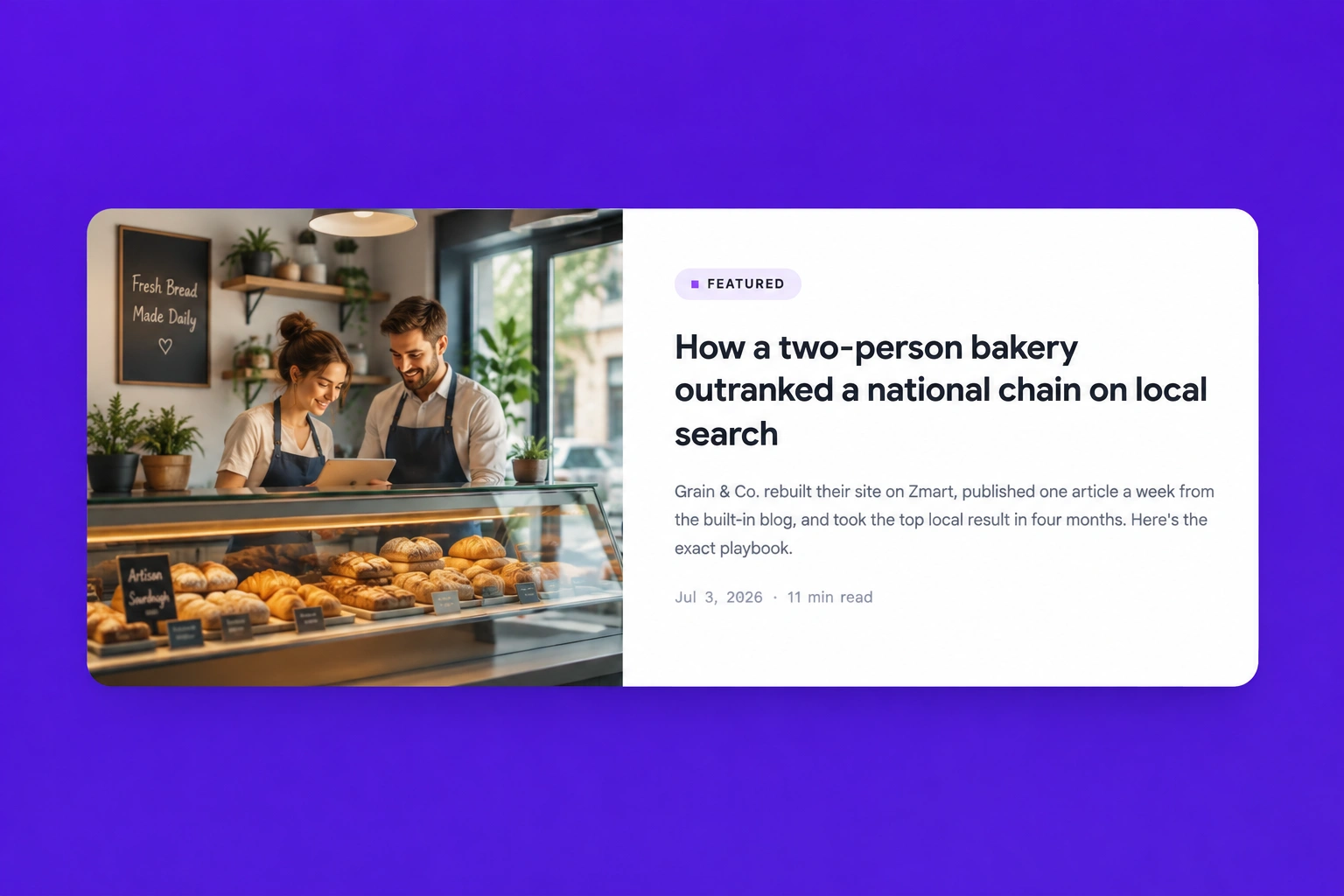
Galleries & media · Feature Horizontal Blog
Highlight featured articles or blog posts in a horizontal card layout with eye-catching images and concise descriptions that encourage users to read more.
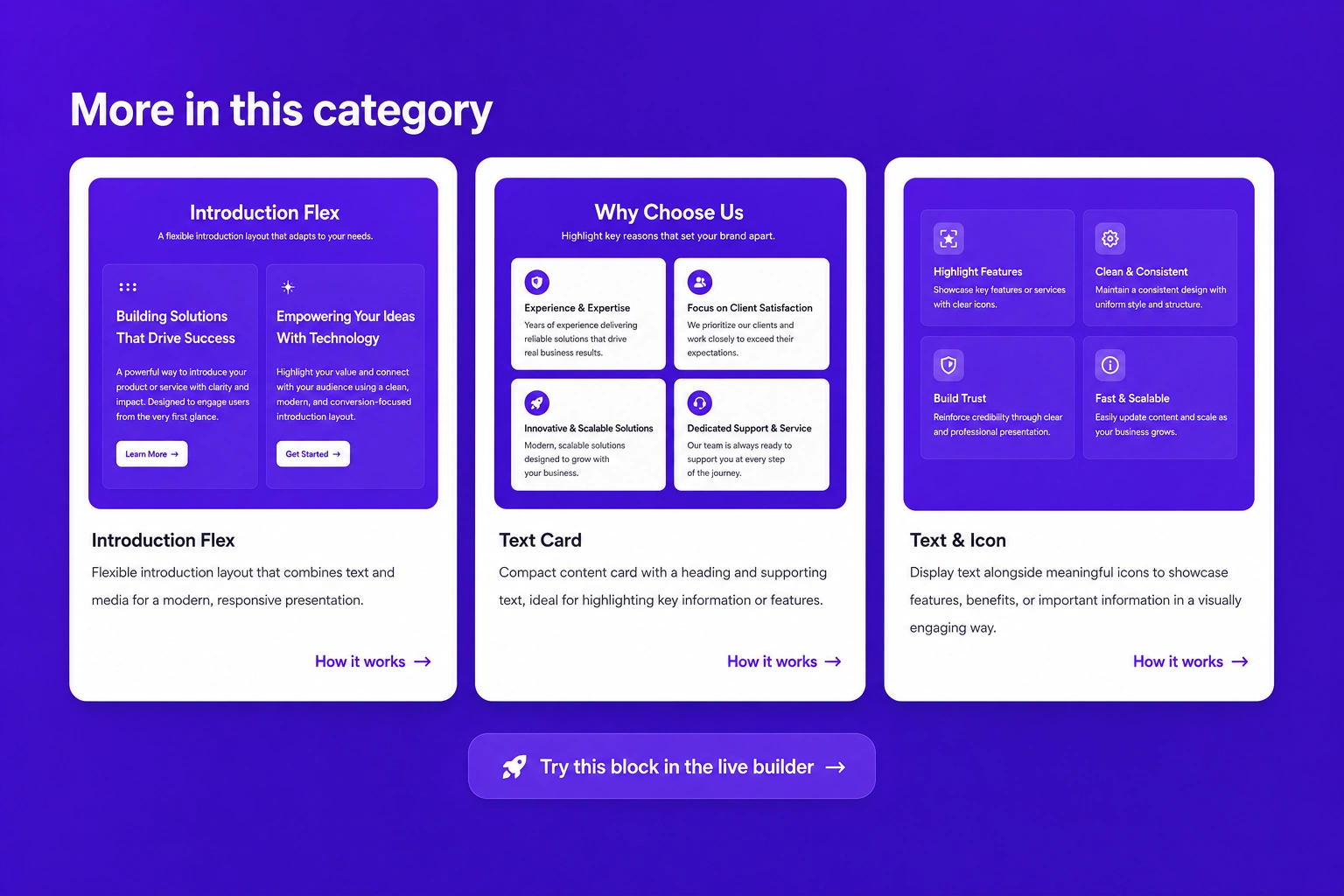
Galleries & media · Image with caption card
Showcase images alongside informative captions that provide additional context, helping visitors better understand your products, services, or portfolio.