CONTENT
Introduction
Simple introduction block with a title and supporting content to explain your business, service, or page purpose.
▶
Skeleton vs finished
SKELETON — ADD TITLE & INTRO CONTENT
FINISHED — INTRODUCTION SECTION READY
How it works in the builder
STEP 1
Drag it in
Pull the block from the palette onto your page. A skeleton placeholder snaps into position instantly.
STEP 2
Drop in content
Click any element to replace it — text, images, prices, links. The skeleton fills in as you go.
STEP 3
Publish
The block is responsive and on-brand automatically. Reorder it any time with the drag handle.
More in this category

Introduction Flex
Flexible introduction layout that combines text and media for a modern, responsive presentation.
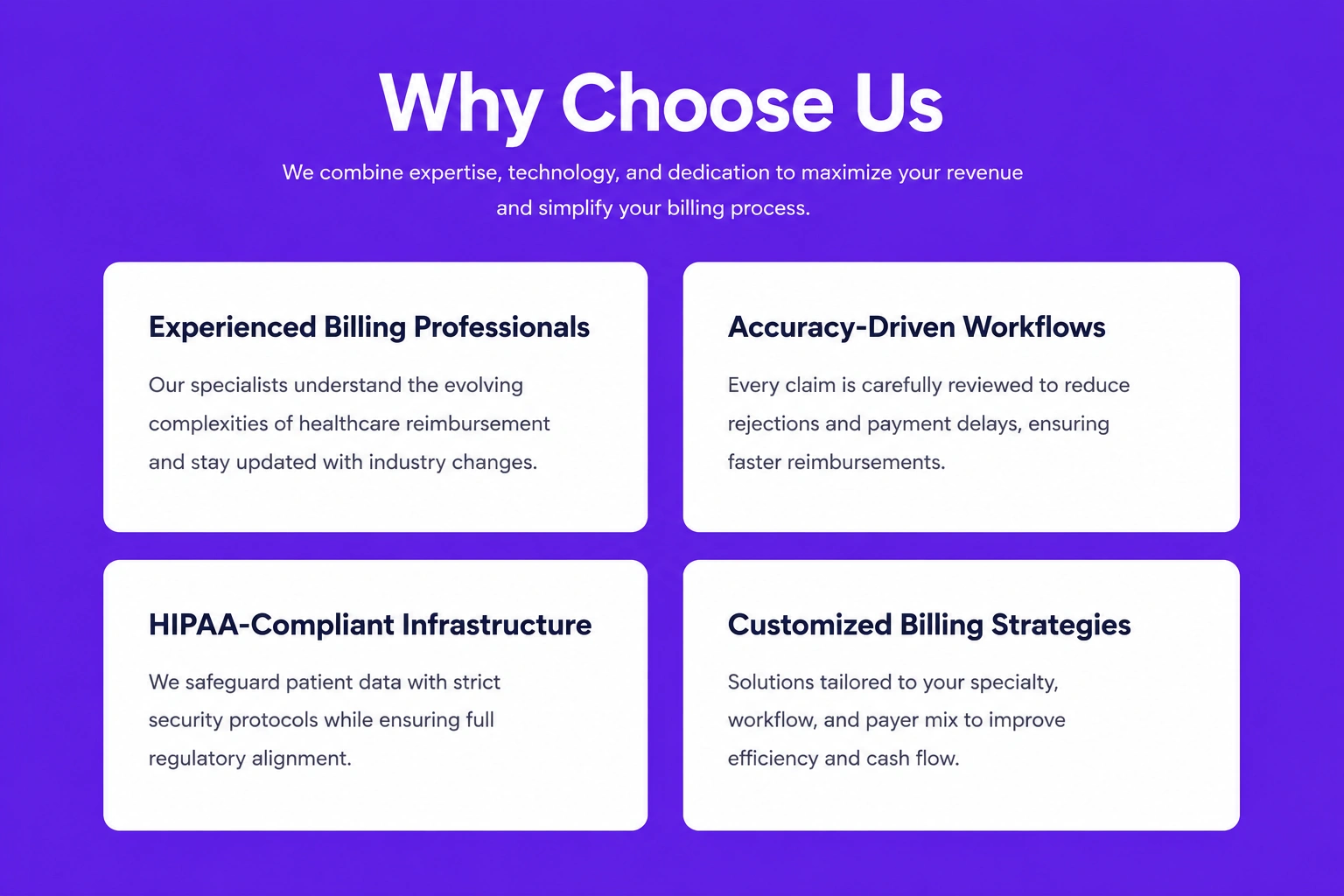
Text Card
Compact content card with a heading and supporting text, ideal for highlighting key information or features.
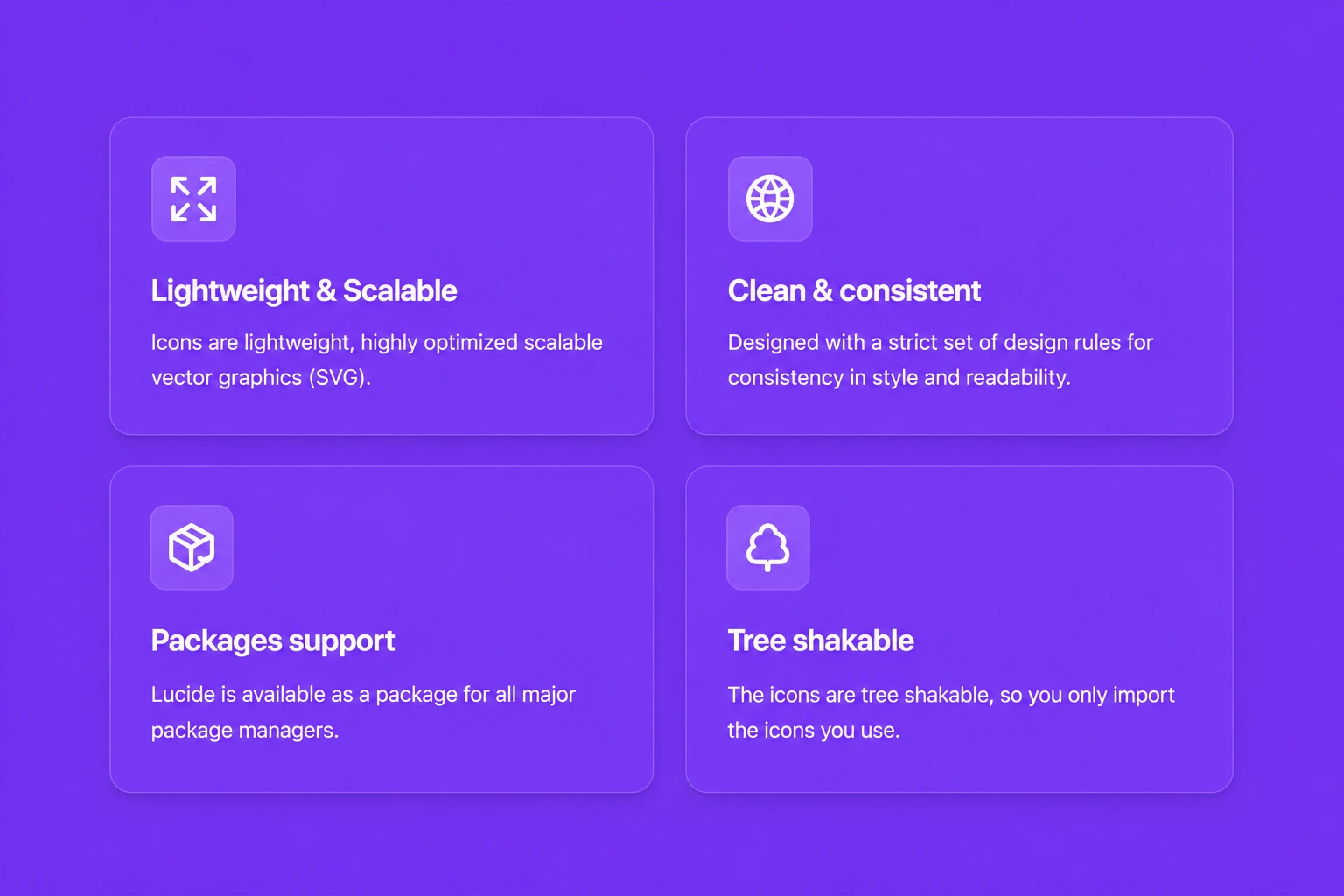
Text & Icon
Display text alongside meaningful icons to showcase features, benefits, or important information in a visually engaging way.