MARKETING BLOCKS
Pricing & CTAs · Pricing with toggle
Allow visitors to switch between monthly and yearly pricing plans using an interactive toggle, making plan comparison simple and convenient.
▶
Skeleton vs finished
SKELETON — ADD TOGGLE OPTIONS & PRICING
FINISHED — PRICING TOGGLE READY
How it works in the builder
STEP 1
Drag it in
Pull the block from the palette onto your page. A skeleton placeholder snaps into position instantly.
STEP 2
Drop in content
Click any element to replace it — text, images, prices, links. The skeleton fills in as you go.
STEP 3
Publish
The block is responsive and on-brand automatically. Reorder it any time with the drag handle.
More in this category
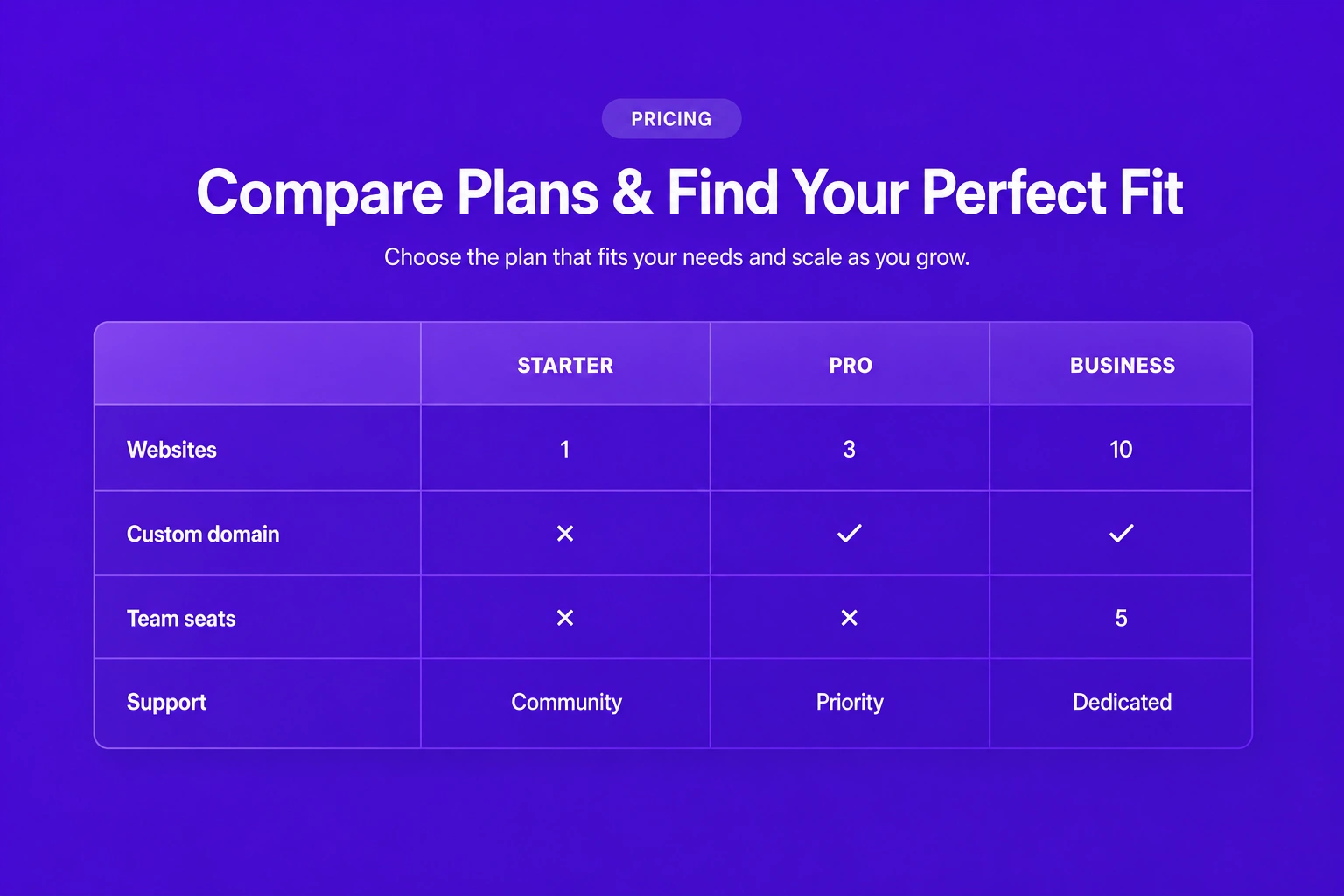
Pricing & CTAs · Pricing table
Compare multiple pricing plans side by side in a structured table that clearly highlights included features, pricing differences, and plan benefits.
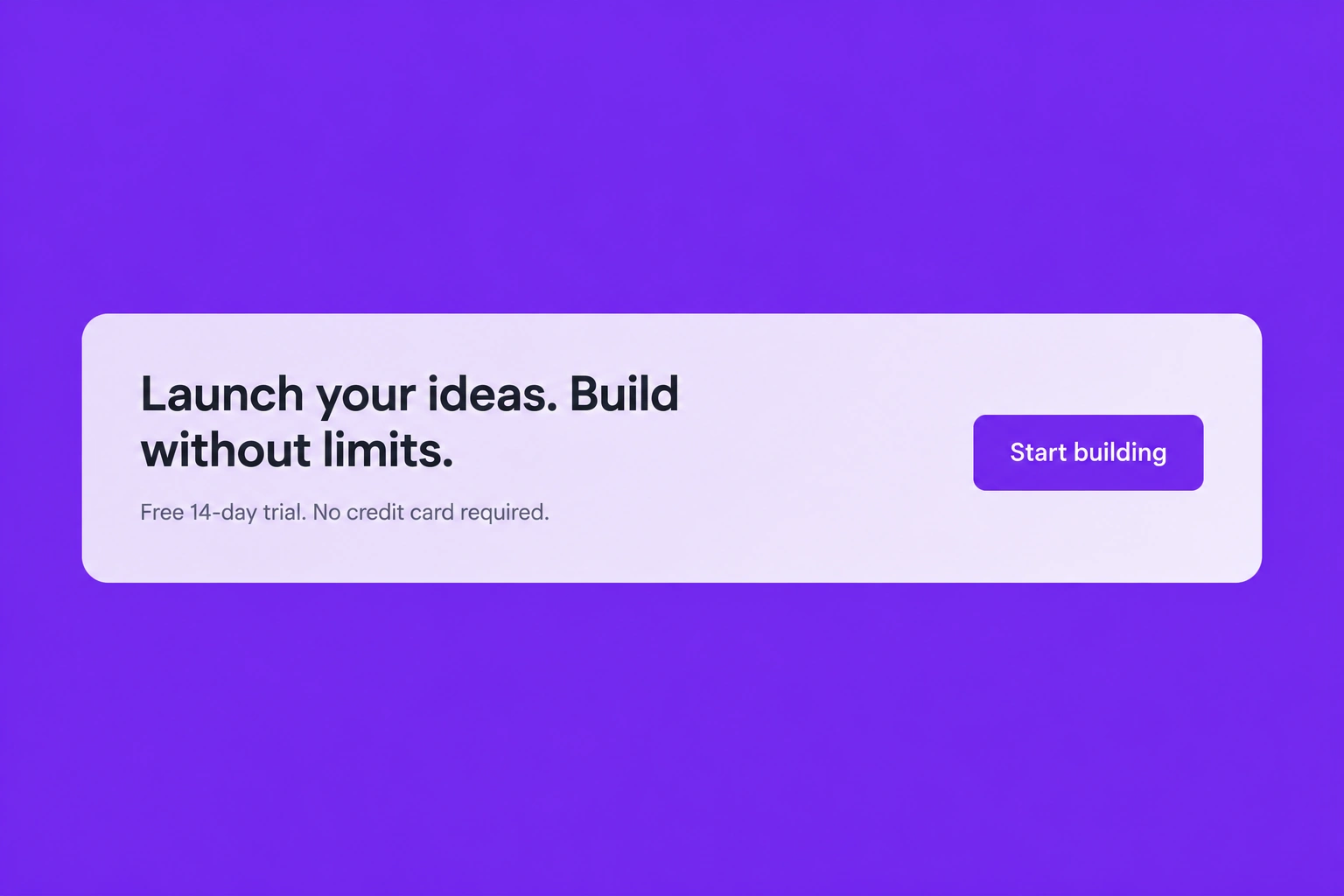
Pricing & CTAs · CTA banner
Encourage visitors to take immediate action with a bold call-to-action banner featuring persuasive messaging and highly visible action buttons.

Pricing & CTAs · CTA centered
Present a focused call-to-action with centered content, compelling copy, and prominent buttons that drive visitors toward your desired conversion goal.