CONTACT
Contact Grid
Display multiple contact cards with essential business information, making it easy for visitors to connect with different departments, branches, or team members. Each card should include a name, designation or department, phone number, email address, office location, and quick contact actions for seamless communication.
▶
Skeleton vs finished
SKELETON — ADD YOUR CONTACT DETAILS
FINISHED — CONTACT DETAILS READY TO CONNECT
How it works in the builder
STEP 1
Drag it in
Pull the block from the palette onto your page. A skeleton placeholder snaps into position instantly.
STEP 2
Drop in content
Click any element to replace it — text, images, prices, links. The skeleton fills in as you go.
STEP 3
Publish
The block is responsive and on-brand automatically. Reorder it any time with the drag handle
More in this category
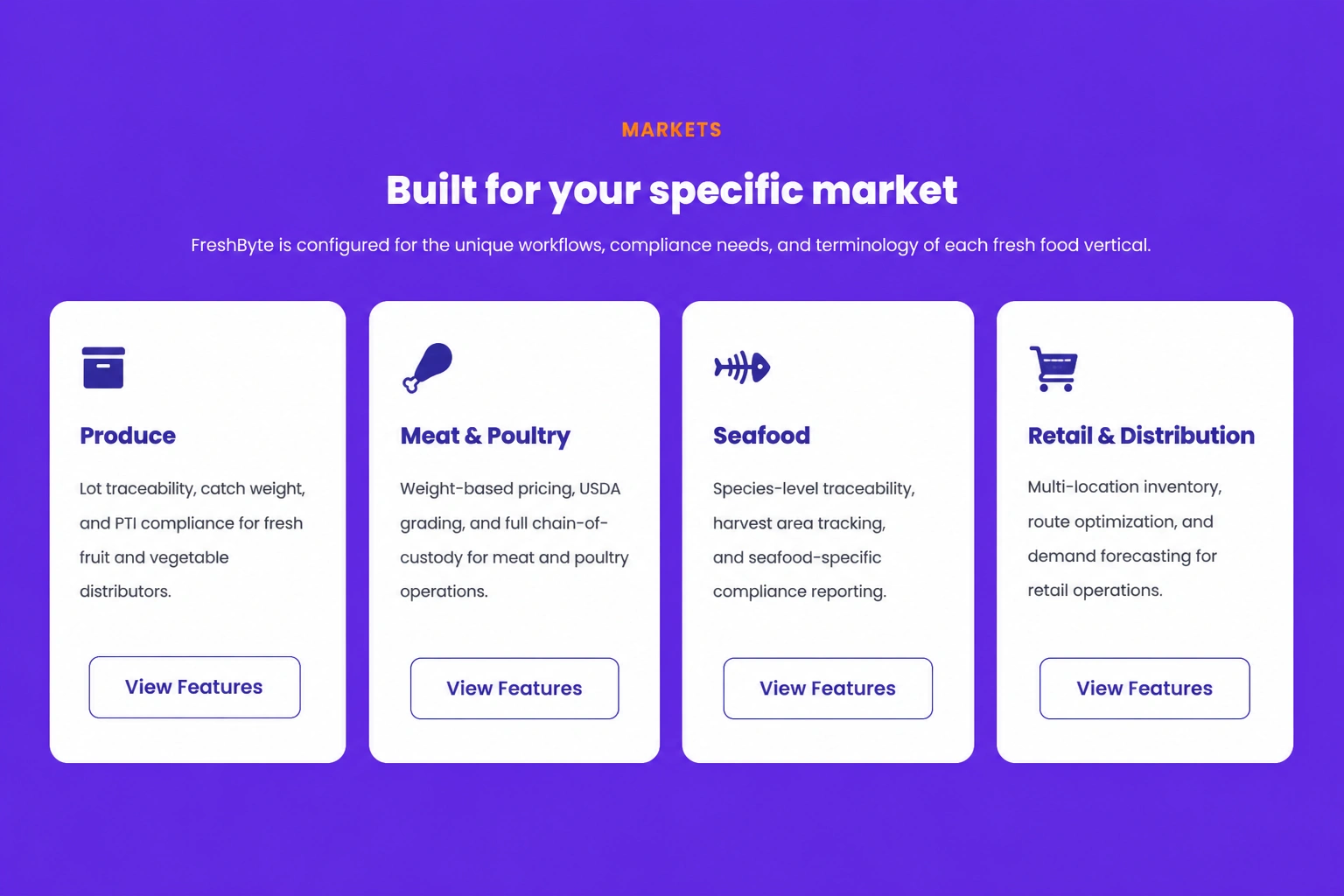
Features & grids · Icon grid — four up
Showcase four important features or services using attractive icon cards that help visitors quickly understand your business offerings.
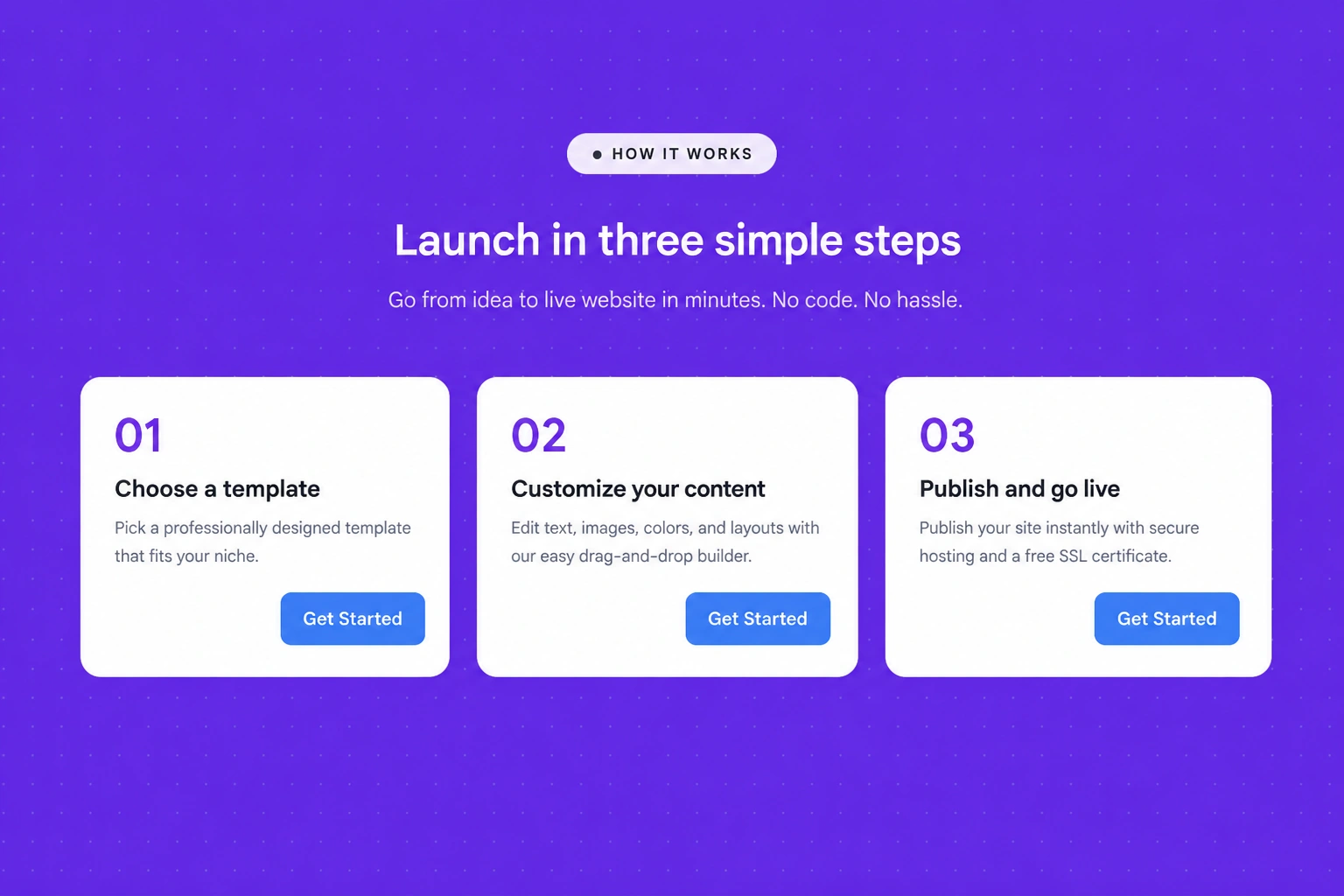
Features & grids · Numbered steps
Guide visitors through a process using clearly numbered steps that simplify workflows, onboarding experiences, or service explanations.

Features & grids · Metric cards
Highlight important business metrics, performance indicators, or achievements using visually engaging cards that reinforce credibility and showcase measurable results.