MARKETING BLOCKS
Features & grids · Feature strip with logos
Showcase your key features alongside trusted client, partner, or certification logos to strengthen credibility and build confidence in your brand.
▶
Skeleton vs finished
SKELETON — ADD FEATURE LOGOS
FINISHED — FEATURE STRIP READY
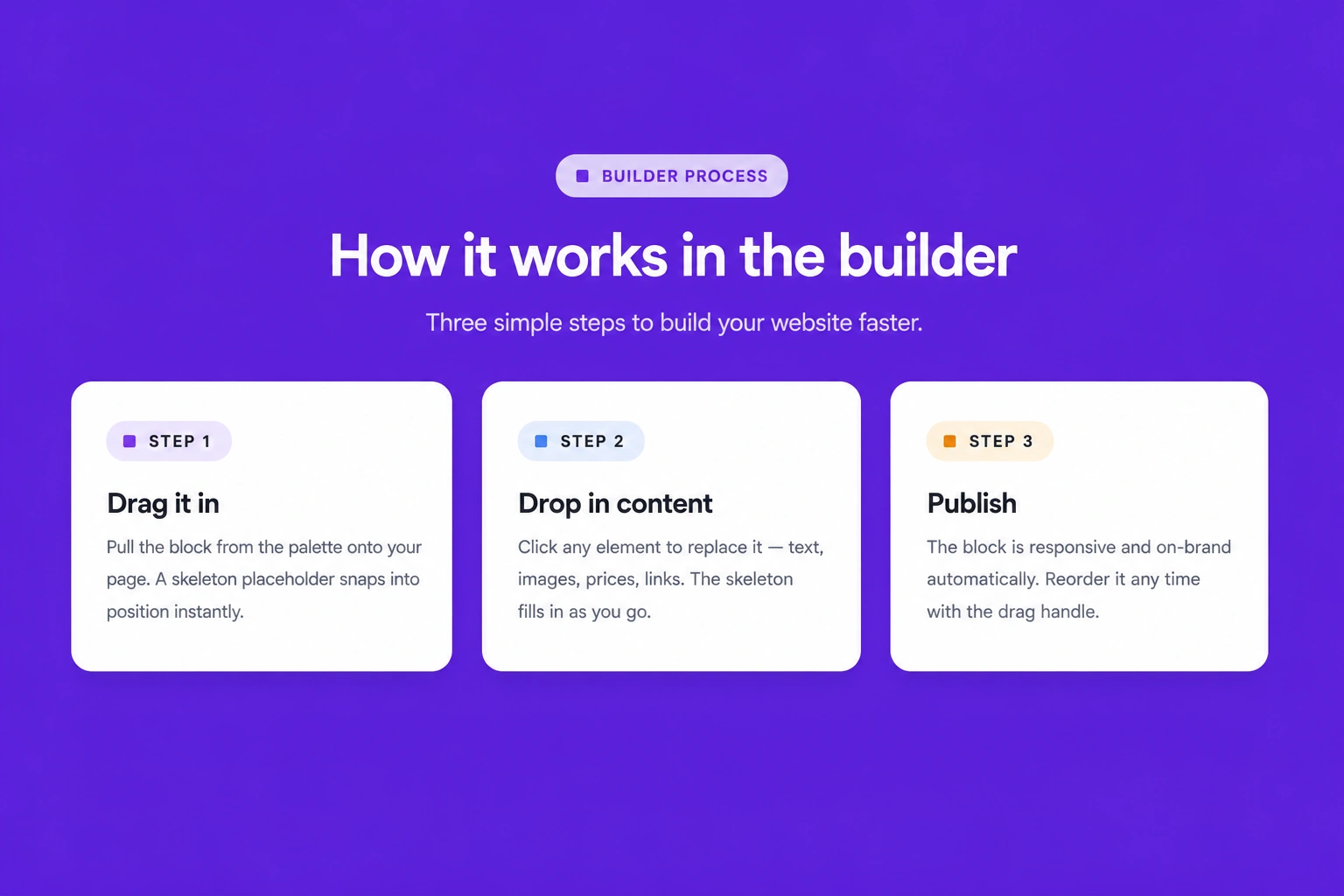
How it works in the builder
STEP 1
Drag it in
Pull the block from the palette onto your page. A skeleton placeholder snaps into position instantly.
STEP 2
Drop in content
Click any element to replace it — text, images, prices, links. The skeleton fills in as you go.
STEP 3
Publish
The block is responsive and on-brand automatically. Reorder it any time with the drag handle
More in this category
Features & grids · Text steps
Explain your workflow, onboarding process, or service journey through clearly structured text steps that guide users from start to finish.
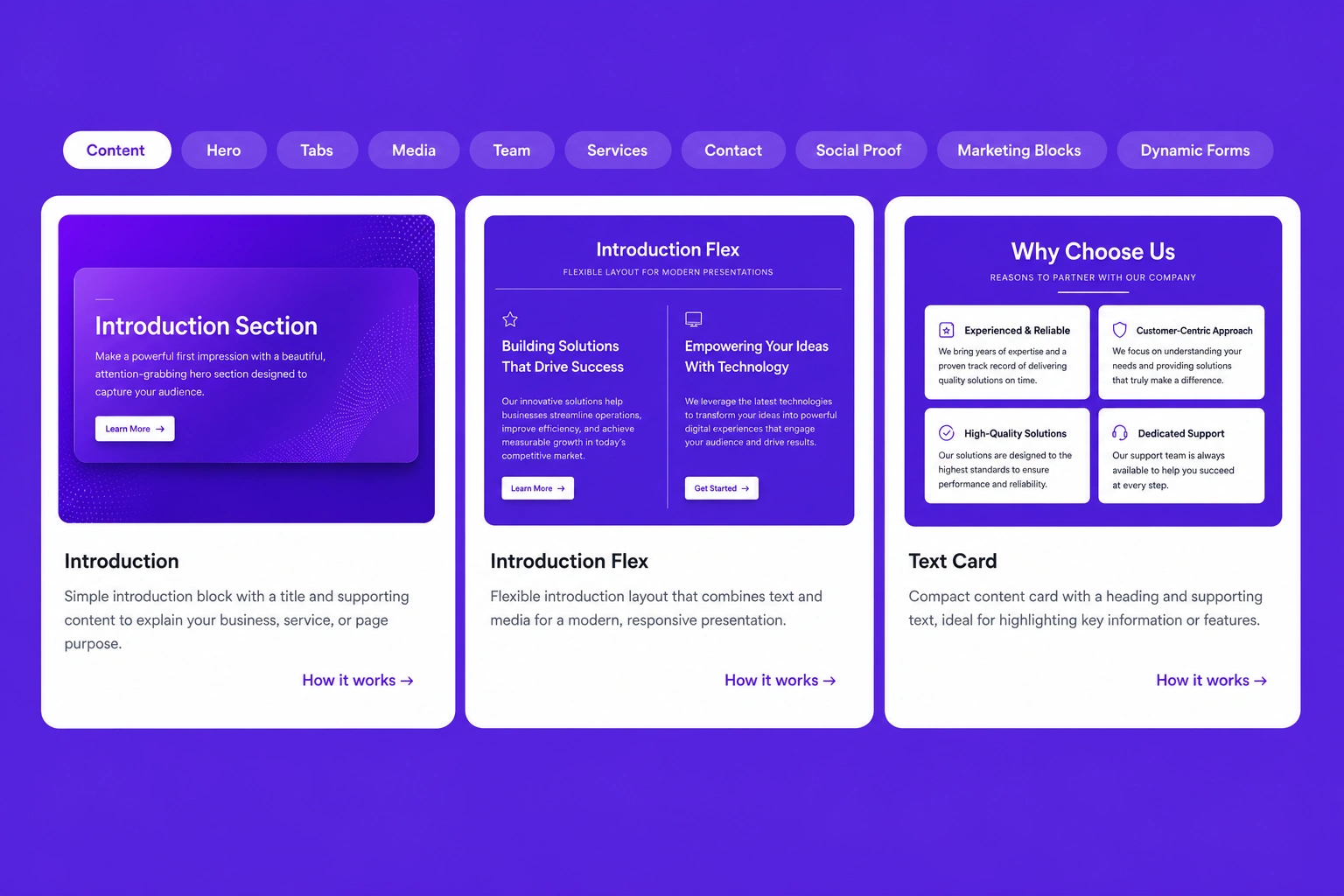
Features & grids · Image with caption card tab
Combine high-quality images with informative captions inside interactive tabs, creating an engaging way to present products, services, or portfolio items.
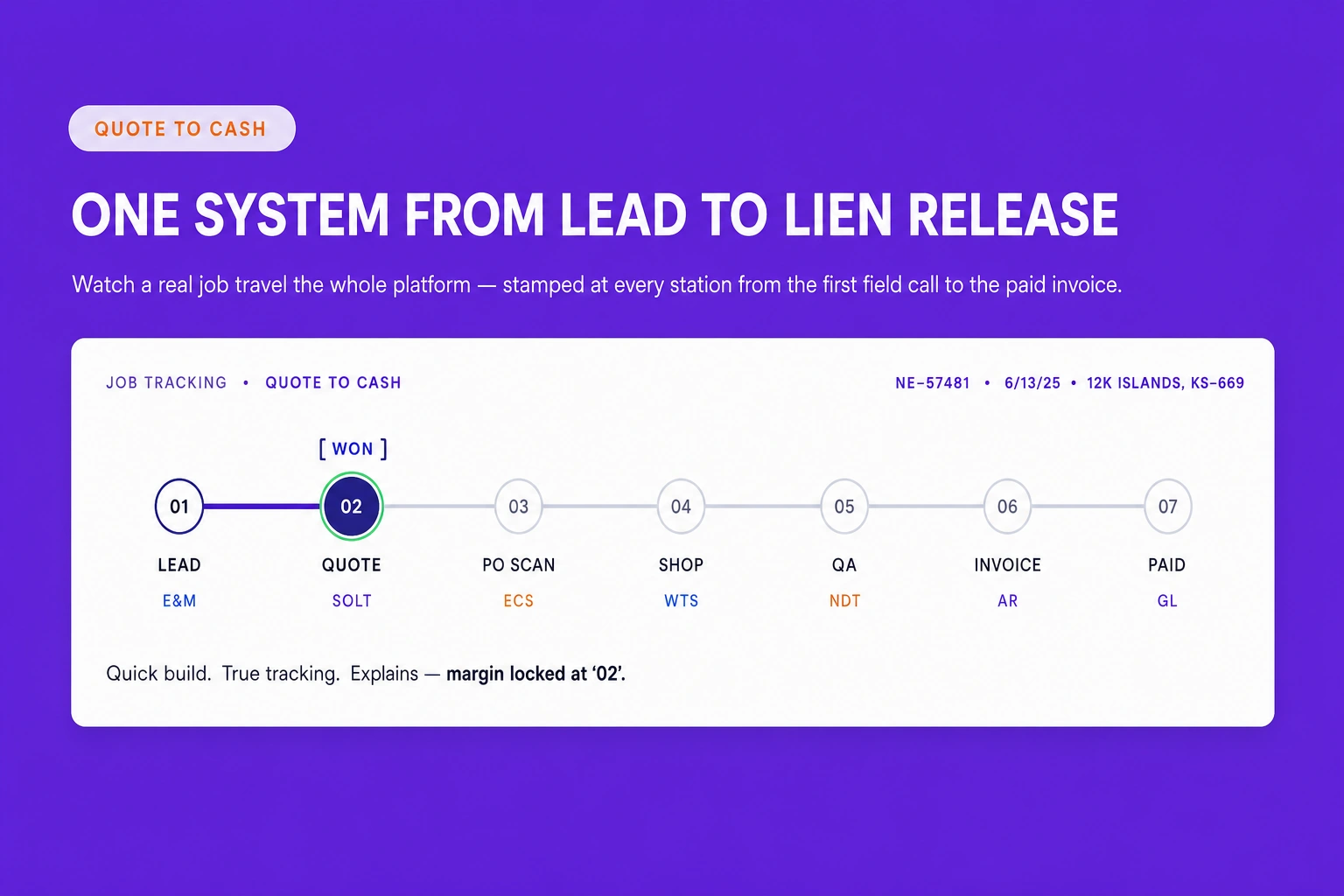
Features & grids · Feature - WorkFlow
Present your complete workflow using connected feature sections that clearly explain each stage of your business process in a logical and professional layout.