MARKETING BLOCKS
Features & grids · Feature - WorkFlow
Present your complete workflow using connected feature sections that clearly explain each stage of your business process in a logical and professional layout.
▶
Skeleton vs finished
SKELETON — BUILD YOUR FEATURE WORKFLOW
FINISHED — WORKFLOW READY TO USE
How it works in the builder
STEP 1
Drag it in
Pull the block from the palette onto your page. A skeleton placeholder snaps into position instantly.
STEP 2
Drop in content
Click any element to replace it — text, images, prices, links. The skeleton fills in as you go.
STEP 3
Publish
The block is responsive and on-brand automatically. Reorder it any time with the drag handle
More in this category
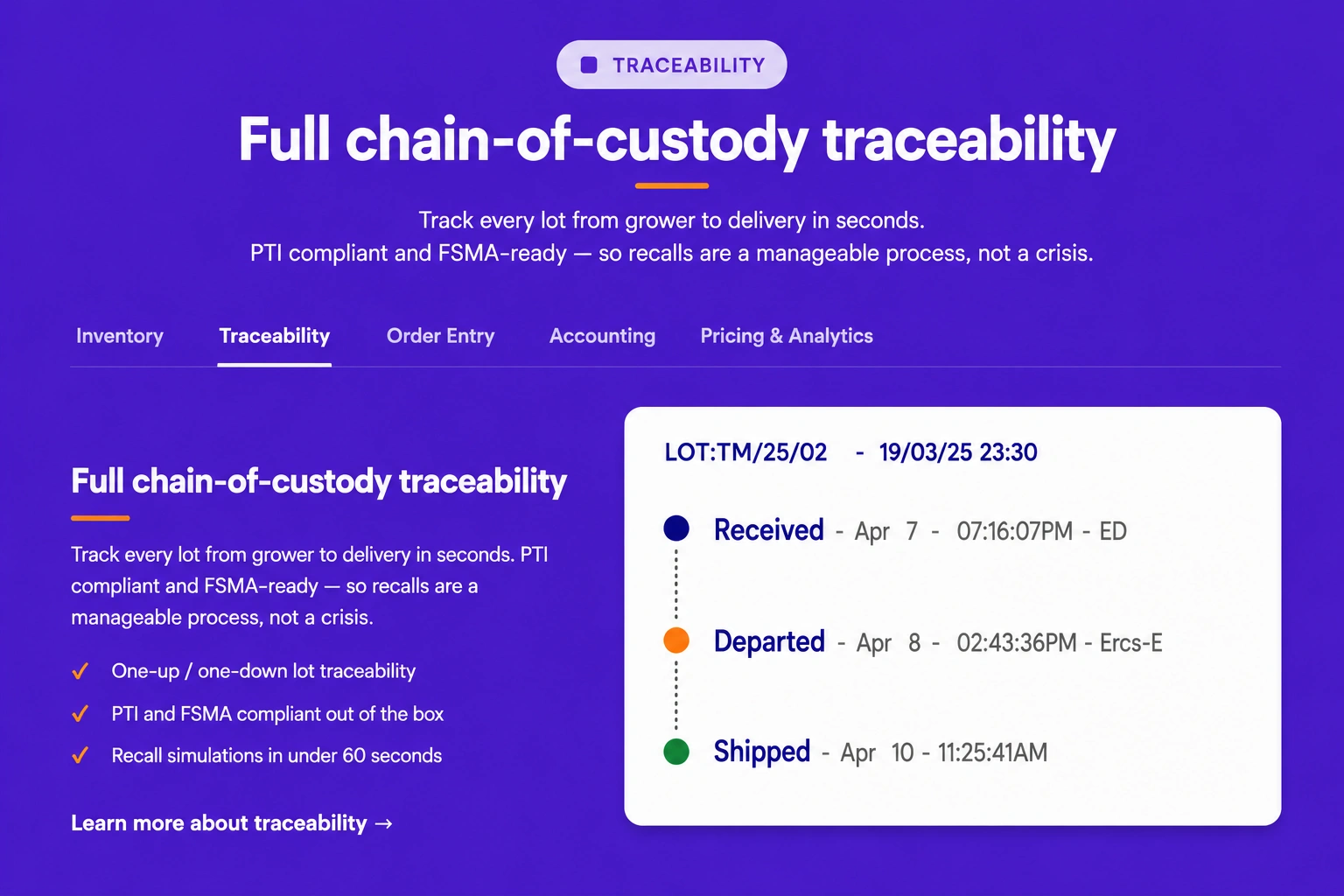
Features & grids · Feature text and image tab
Organize feature descriptions with supporting images inside tabbed sections, allowing visitors to explore different topics in a clean and interactive format.
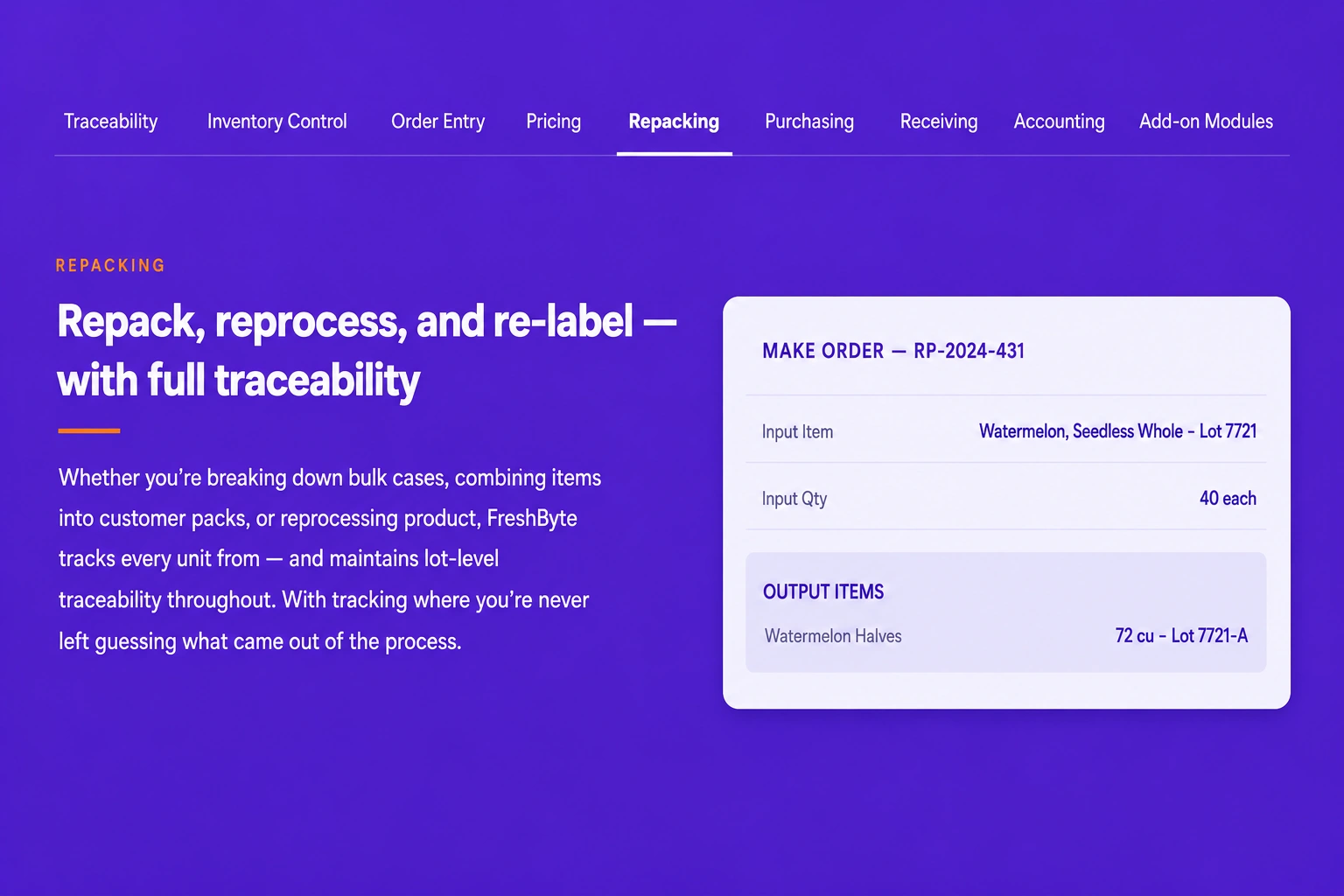
Features & grids · Navigation Tab
Create a tab-based navigation layout that helps users quickly switch between content sections while maintaining a clean and user-friendly interface.
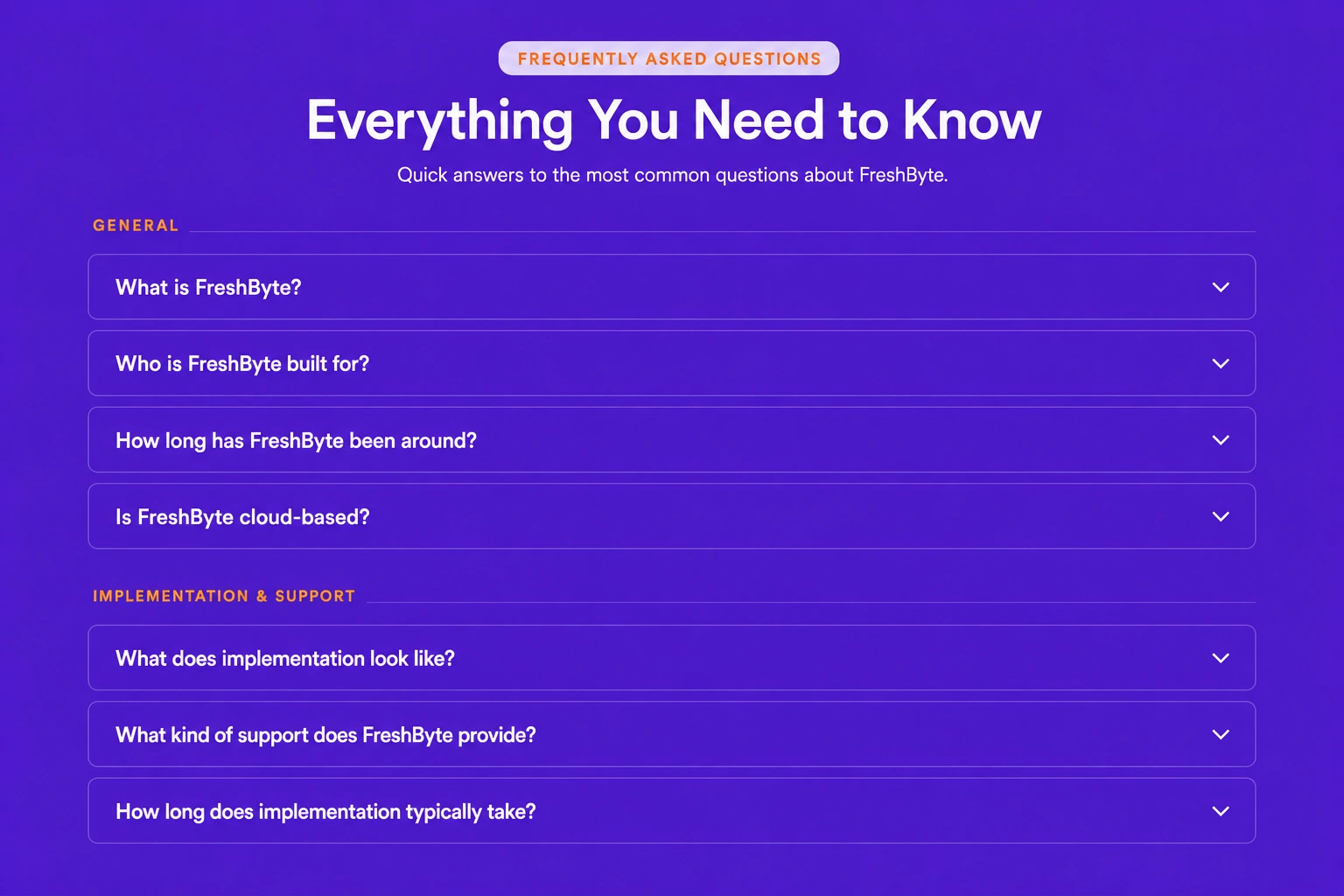
Features & grids · Mega Faq
Display a comprehensive FAQ section with categorized questions and detailed answers, making it easier for visitors to find the information they need.